Shared Albums, Shared Library, or AirDrop: which one for family photos?
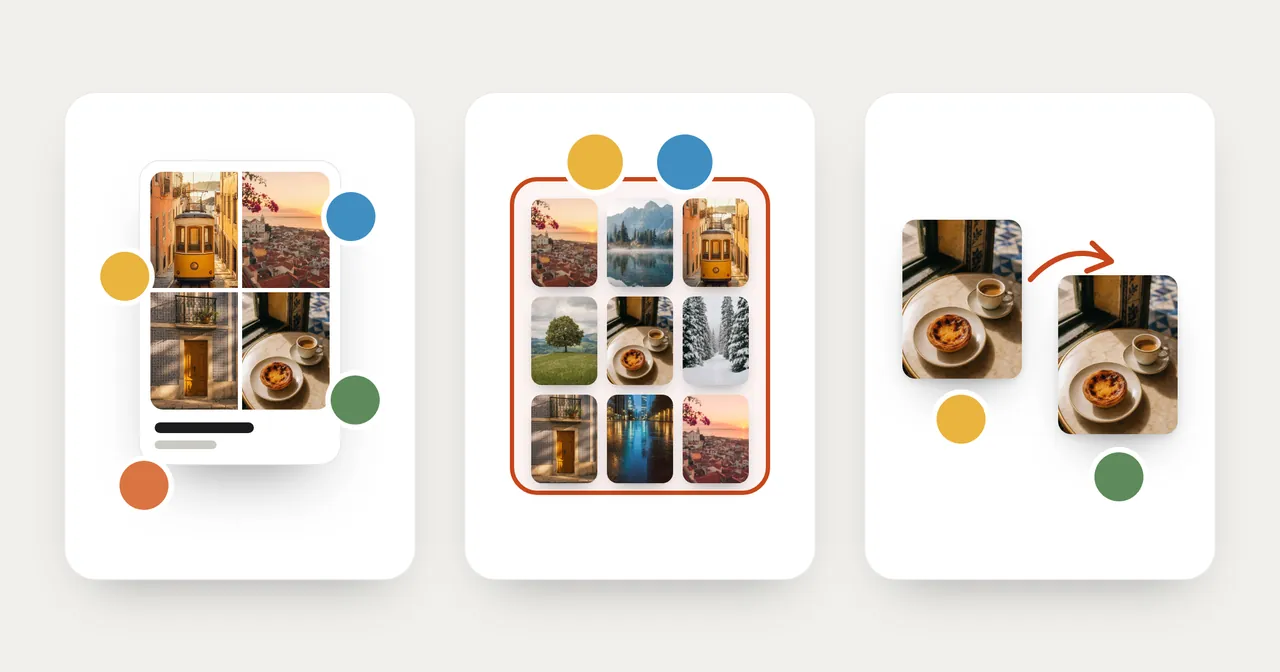
iPhone has three different ways to get photos to your family, and they behave very differently. One hands over a copy. One is an album people join. One merges part of your library with someone else's.
Picking the wrong one is how photos end up on a partner's phone by surprise, or disappear for everyone when one person tidies up.
The short version
| Shared Album | iCloud Shared Photo Library | AirDrop, Messages, Mail | |
|---|---|---|---|
| What it is | An album that people join | One library shared by a small group | Sending copies |
| How many people | Up to 100, including the owner | Up to 6: the creator and five others | Whoever you send to |
| Whose iCloud storage | The album owner's, for albums created in iOS 27 or later | The library creator's, for everything in it | None. Each person keeps their own copy |
| What happens to your photo | It's added to the album | It moves out of your Personal Library into the Shared Library | A copy is sent |
| Can others add photos | Yes | Yes, and they can edit and delete too | No |
| Family without an Apple device | Can join by link and add photos on the web (albums created in iOS 27 or later) | Not covered here | Messages or Mail |
Shared Album: an album people join
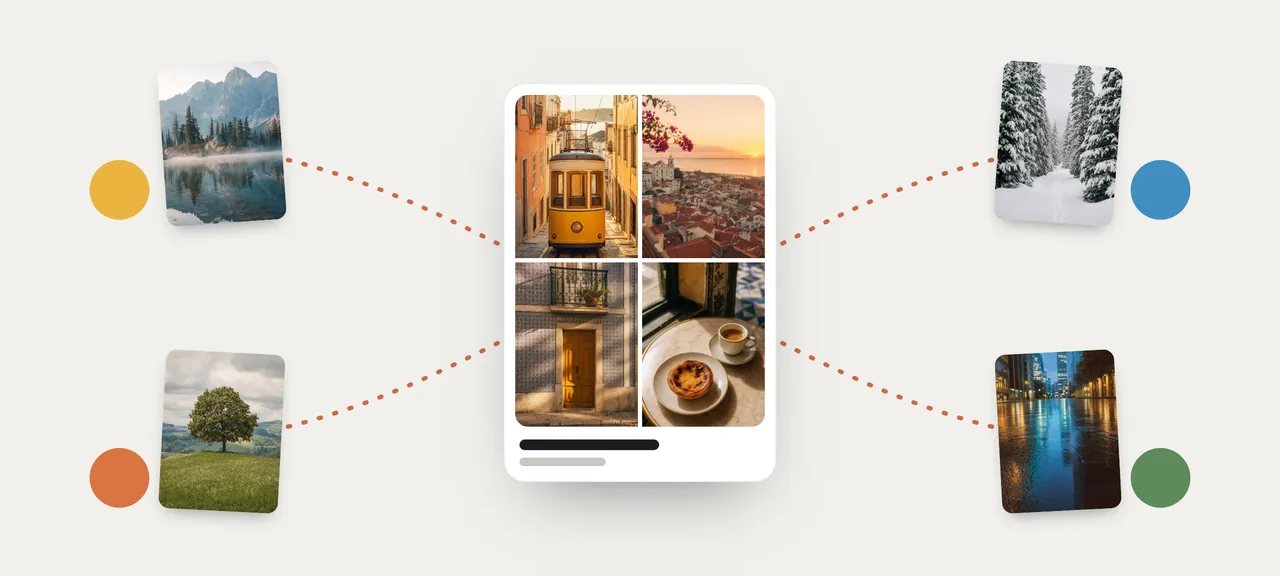
A shared album sits next to your library. You add the photos you choose, and the people in it can add theirs.
What to know in iOS 27:
- Albums created in iOS 27 or later keep photos and videos in their original format at full resolution.
- Everything in the album counts toward the owner's iCloud storage, including what other people add.
- Up to 100 people can take part, including the owner.
- People can join through a link, and Apple says they can add their own photos on the web without an Apple Account or an Apple device.
- Family members on older software see an album created in iOS 27 as read-only. They can look, but they can't add photos, like, or comment until they update or use iCloud.com.
Albums created in iOS 26 or earlier follow older rules: photos are reduced to 2048 pixels on the long edge, the album doesn't count toward anyone's storage, and it holds up to 5,000 items.
Good for: grandparents and the wider family, a mix of phones, an album that keeps growing.
Disclosure: MemoryPlaces is our app. If the photos you want to share are the ones from one place, MemoryPlaces has a Family button that sends a place's photos to a shared album as 2048-pixel copies. It's described in our guide to albums by location.
iCloud Shared Photo Library: one library for a household
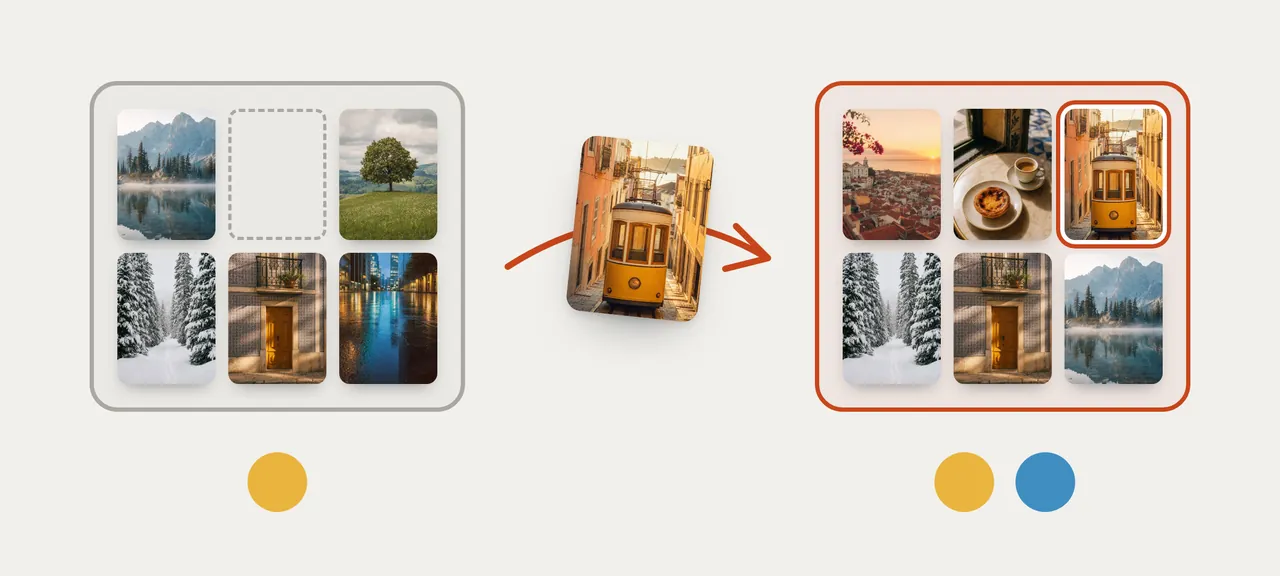
This is a different thing from a shared album, and the names make it easy to confuse them.
- It's for a small group: the creator plus up to five other people. You can be in only one Shared Library.
- Photos you contribute move out of your Personal Library and into the Shared Library. They aren't copied.
- Every participant can add, edit, and delete.
- The person who created it provides the iCloud storage for all of it. It doesn't count toward anyone else's storage.
- Everyone needs iOS 16.1 or later, with iCloud Photos turned on.
To set it up: Settings › Apps › Photos › Shared Library.
Good for: a couple or a household that wants one set of family photos and trusts each other to edit and delete.
Two things that surprise people
Photos show up on someone else's phone without anyone sending them. Shared Library can take photos straight from the Camera. Under Settings › Apps › Photos › Shared Library › Sharing from Camera, Share Automatically adds photos to the Shared Library when you're near the other participants, and Share When At Home does it for photos taken at home. Choose Share Manually if you'd rather decide each time.
One person deletes, and it's gone for everyone. A photo deleted from the Shared Library moves to Recently Deleted. Only the person who contributed that photo can delete it from Recently Deleted.
AirDrop, Messages, Mail: handing over copies
These send a copy and nothing more. Nothing stays connected afterward.
- AirDrop works with people nearby on an iPhone, iPad, Mac, or Apple Vision Pro. It's the one way to send the original file with its edit history: tap the Share button, Options, then All Photos Data.
- Messages and Mail work at any distance. The size limit for attachments is set by your service provider.
Sharing a photo this way shares its information too, such as the date and the location.
Good for: a handful of photos, once.
Which one should you use?
- You and your partner want the same family photos on both phones. Shared Library.
- You want grandparents, aunts and cousins to see the kids, and add their own. A shared album.
- Someone in the family uses Android or Windows. A shared album created in iOS 27, shared by link.
- Your sister wants the twelve photos from Saturday. AirDrop if she's in the room, Messages if she isn't.
- The album owner is short on iCloud storage. Keep in mind that an album created in iOS 27 uses the owner's storage, and a Shared Library uses the creator's.
FAQ
Is a shared album the same as a Shared Library?
No. A shared album is an album people join, for up to 100 people. A Shared Library is one library for up to six people, and the photos you put in it move out of your own library.
Whose storage does each one use?
A shared album created in iOS 27 or later uses the album owner's iCloud storage. A Shared Library uses its creator's. AirDrop, Messages and Mail don't use shared storage; each person keeps their own copy.
Why are my photos appearing on my partner's iPhone?
If you're both in a Shared Library, check Sharing from Camera in Settings › Apps › Photos › Shared Library. Share Automatically adds new photos when you're near each other.
Can family with an older iPhone use these?
A Shared Library needs iOS 16.1 or later. A shared album created in iOS 27 is read-only for people on earlier software.