Where is the map in Photos on iPhone?
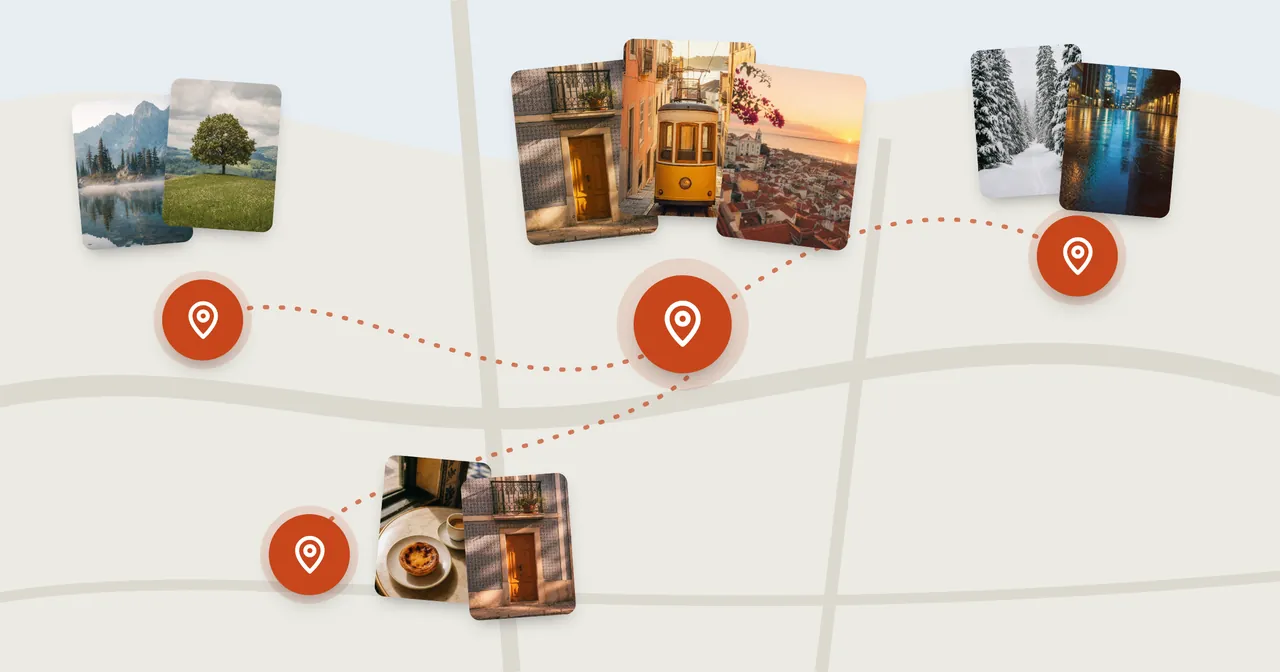
The map of your photos is still in the Photos app. It has moved, more than once, and the path depends on which iOS your iPhone runs.
| Your iPhone runs | Where the map is |
|---|---|
| iOS 27 or iOS 26 | Library, the More button, then Show Map |
| iOS 18 | Map, in Pinned Collections |
| iOS 17 | Albums, then Places, then Map |
These paths come from Apple's iPhone User Guide for each version. Not sure which iOS you have? Look in Settings › General › About.
In iOS 27 and iOS 26
- Open Photos.
- Tap Library.
- Tap the More button, then tap Show Map.
Pinch to zoom in and out, and drag to move around. Tap a photo thumbnail on the map to see the photos and videos taken at that spot.
Two other ways to get to a map
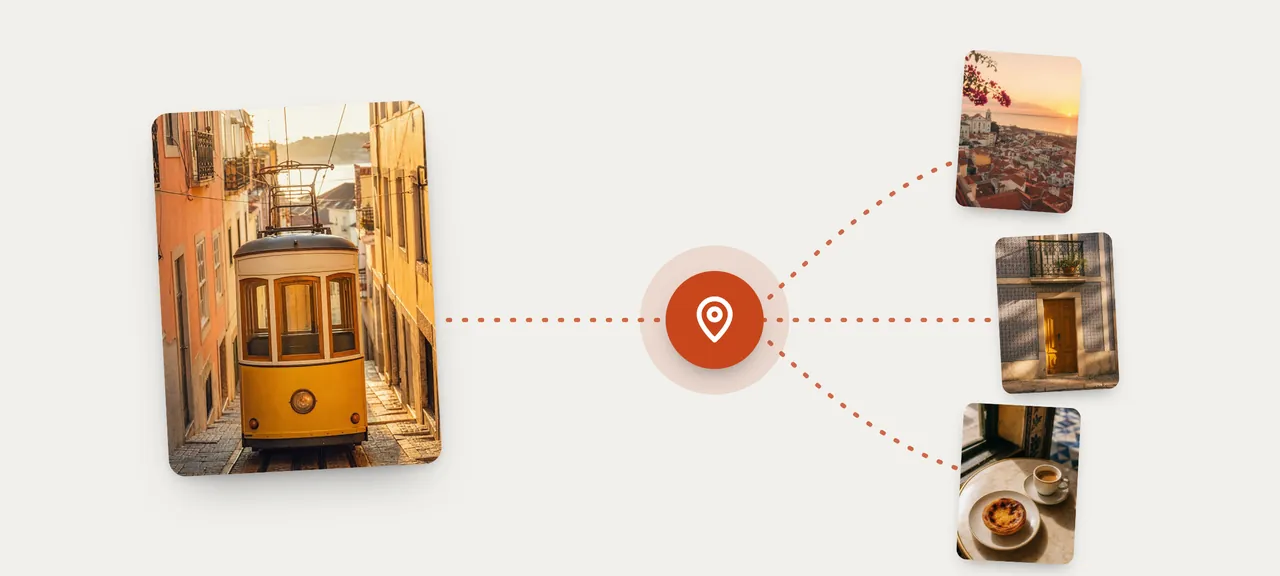
From one photo. Open a photo, then swipe up or tap the Info button. You'll see where it was taken. Tap the map or the address for more detail, and tap Show Nearby Photos to see what else you took around there.
From one trip or one day. Tap Collections, open a collection such as a trip or a recent day, tap the More button, then Show Map. The map shows only that collection. Trips are under Collections: scroll down to Trips, and tap a year at the top to find older ones.
In iOS 18
Open Photos and look in Pinned Collections for Map.
In iOS 17
Open Photos, tap Albums, then Places. Choose Map or Grid at the top.
"Where did the Places album go?"
In iOS 17, Apple's guide described a Places album under Albums. The guides for iOS 18, 26 and 27 don't mention a Places album on iPhone. The map itself is still there; you reach it by the paths above.
Keeping the map one tap away
In iOS 27 you can choose what sits in the Pinned row at the top of Collections: tap Collections, then Edit next to the Pinned heading. You can also touch and hold a collection and tap Pin.
Why a photo isn't on the map
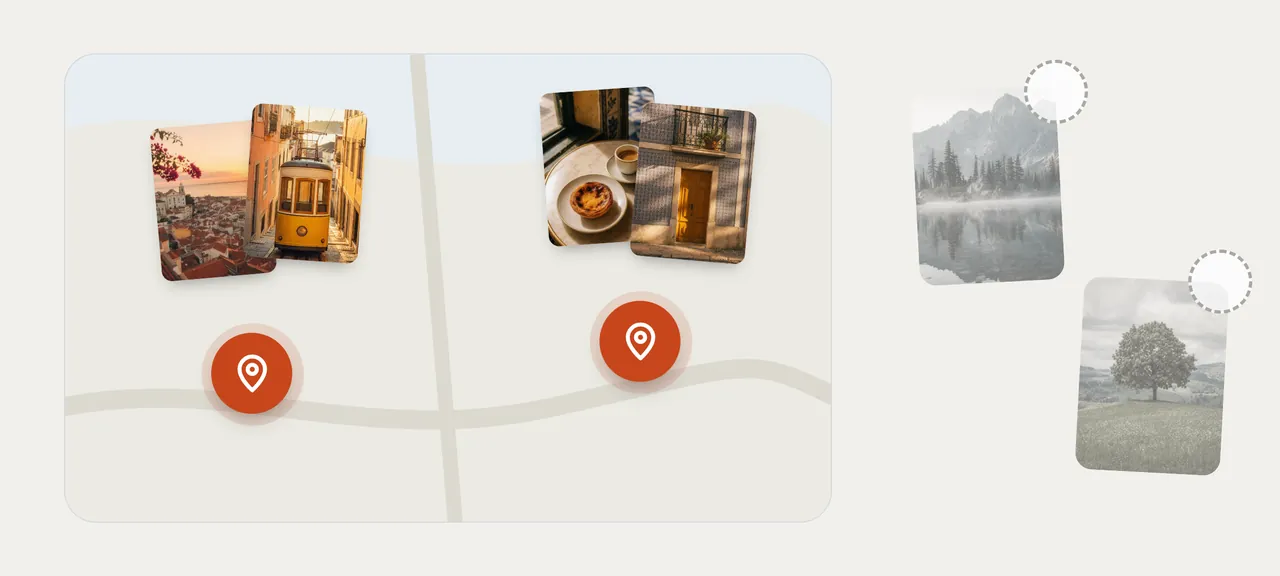
The map only includes photos and videos that have location information saved in them. A photo with no location won't appear, however long you look.
You can check a photo and add a location yourself. The steps are in How to add or fix the location on iPhone photos.
What the map is for
Apple's guide describes three things: browsing your library on a map, checking where one photo was taken, and seeing nearby photos. It's a way to look around.
It doesn't describe saving a place, or choosing photos by how far they are from a spot. If you want to keep what you found, you select the photos and add them to an album yourself.
Disclosure: MemoryPlaces is our app. If there's a place you keep going back to, MemoryPlaces makes a normal Apple Photos album from one photo taken there, with the photos taken around that spot, and you tap Refresh after each visit to add the new ones. Our guide to albums by location covers the built-in ways first.
Who doesn't need more than the map
- You just want to look at where your photos were taken. The map does that.
- You're looking for one trip. Open the trip under Collections and tap Show Map.
- You only need one photo's location. Swipe up on the photo.
FAQ
Is the map gone in iOS 27?
No. Tap Library, the More button, then Show Map.
Why are some of my photos missing from the map?
Only photos and videos with location information are included. Photos without it aren't shown.
Can I see just one trip on the map?
Yes. Open the trip under Collections, tap the More button, then Show Map.
How do I see the other photos taken at the same place as this one?
Open the photo, swipe up, and tap Show Nearby Photos.